
59-second result
Identify. Filter. Export.
Auto-recognize sheet metal, select it in ProdSys and batch-export flat patterns with bend-direction lines.
SWTDO auto-recognizes sheet-metal and weldment parts, filters them in ProdSys, and batch-exports DXF flat patterns with clear bend-direction lines—all inside SOLIDWORKS.
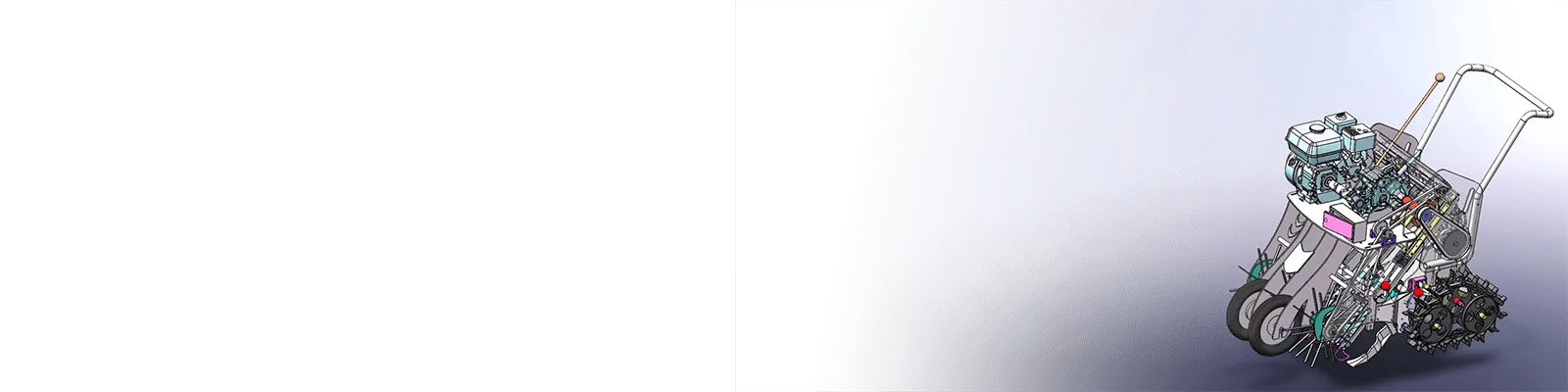
Watch a 59-second sheet-metal result first, then see the complete STEP-to-DXF process in the five-minute walkthrough.
Auto-recognize sheet metal, select it in ProdSys and batch-export flat patterns with bend-direction lines.
Follow the complete imported-model workflow through flat patterns, production files and drawing output.
The slowest part is often not modeling. It is turning one finished assembly into dozens of correctly named files that procurement, fabrication and assembly can actually use.
A multi-body sheet-metal part can produce a large set of flat patterns, drawings and production files. Opening and saving each body one by one is repetitive work.
A missing part number, wrong version or inconsistent name can send the wrong file to purchasing, laser cutting or assembly.
Drawings, STEP files, properties, cut lists and BOM data drift when every output is managed as a separate manual task.
Keep the engineering decision inside SOLIDWORKS, then let the batch workflow handle the repeated file operations and data updates.
Choose parts, bodies or cut-list items in the model or design tree based on the actual design intent.
Use templates, properties, naming logic and output settings that match your company standards.
Process the selected items with a visible workflow and a stop control for long-running operations.
Keep the same source data for DXF/DWG, STEP, drawings, cut-list values and BOM-ready records.
Start with one painful workflow, then connect the rest of the production data around it.
Export DXF/DWG files from sheet-metal bodies using defined naming and output rules, including multi-body workflows.
Create and export drawing, STEP and PDF files in batches using templates and company standards.
Standardize part data, update properties in bulk and turn model or cut-list information into production-ready BOM records.
Reduce repeated flat-pattern preparation and keep laser-cutting files aligned with the released model.
Turn large assemblies into controlled drawings, STEP files, cut-list data and BOMs without rebuilding the workflow for every project.
Put naming, properties, templates and output rules into a repeatable process that does not depend on one experienced designer.
The most useful automation is the one your team can trust. These limits matter before you evaluate SWTDO.
Check the workflow on the files your team actually produces, with your naming rules, templates and SOLIDWORKS version.
By downloading and installing this software, you agree to be bound by our End User License Agreement (EULA). The EULA is displayed inside the installer. Read it carefully before installing.