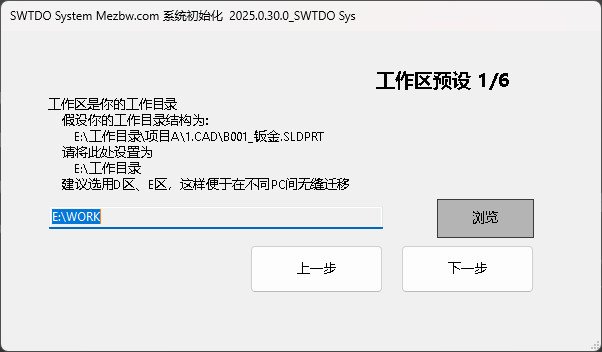
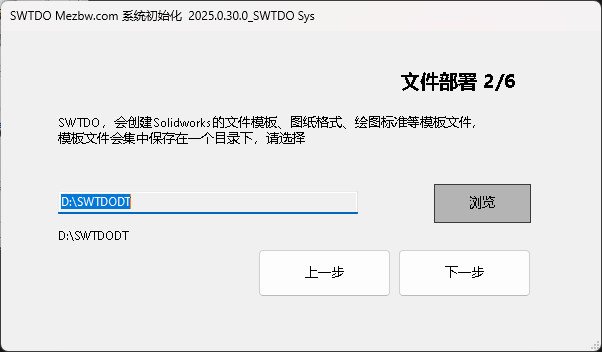
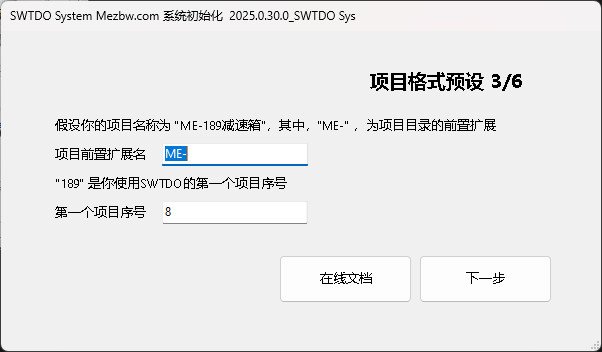
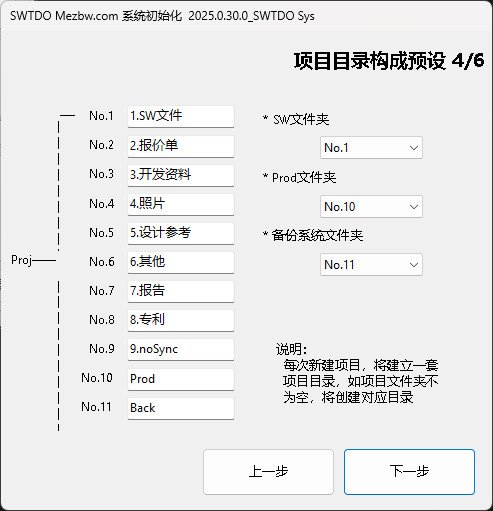
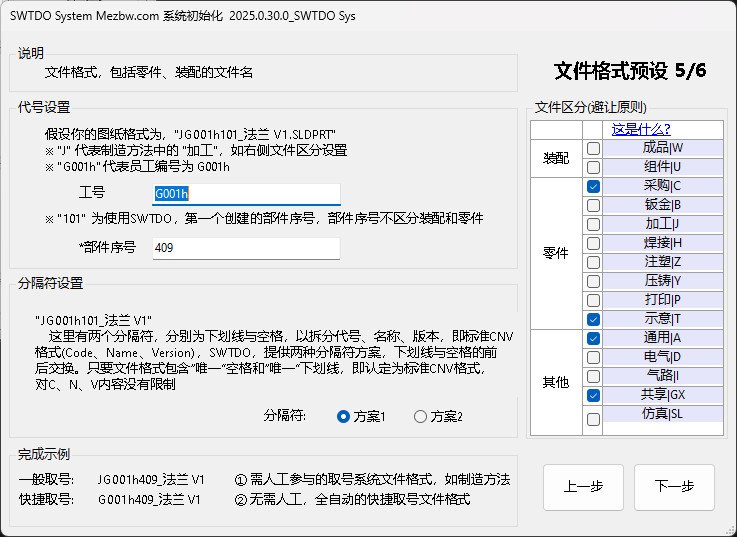
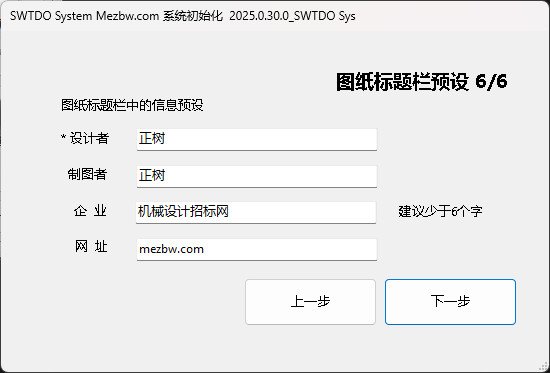
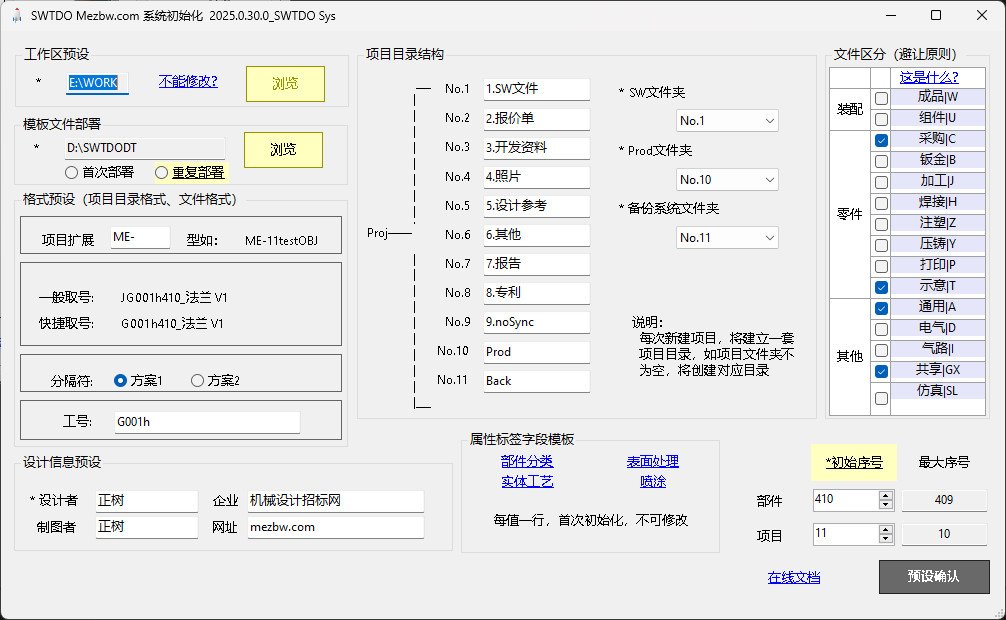
The results of the boot mode and the shortcut mode are completely identical.
Bootstrap mode: Uses the default template of SWTDODT
Shortcut mode: Uses a template modified from the default SWTDODT template.
Reasonable operating procedures:
Users deploy the SWTDODT default template via guided mode.
Based on enterprise and individual needs, the default template has been modified.
When re-initialization is required, use the shortcut mode and apply the modified template.
Inappropriate operating procedure: On first use, the default template is skipped and a personal template is used directly.
What is the purpose of system initialization?
It implements the most basic predefined SWTDO. SWTDO is used for batch processing, which requires a single result. You can’t batch-sign Zhang San’s drawings under Li Si’s name.
Safe Solidworks presets: SW has a lot of setup and initialization work, and it will do a significant step of setting up presets to improve your running speed.
The most notable and crucial aspect is the default template location specification in Solidworks