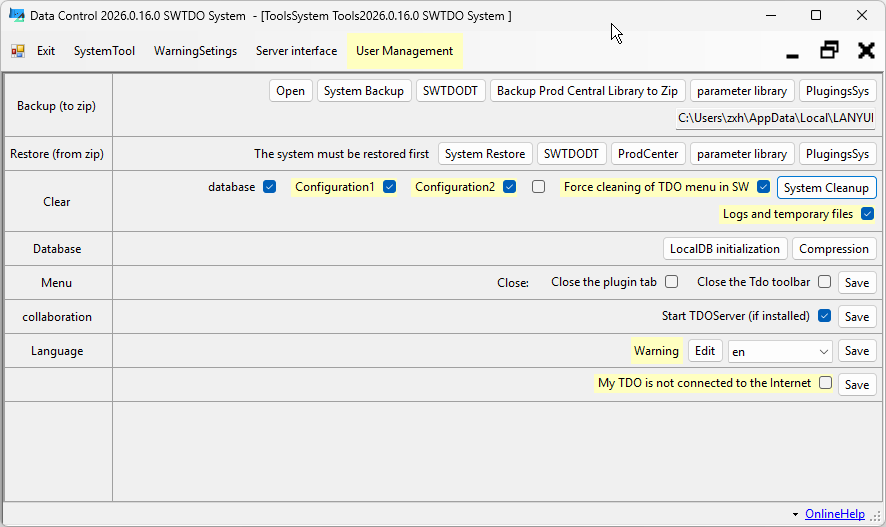
Using TDO will generate a corresponding database, configuration files, etc. for the current user. The purpose of cleanup is to restore this computer to its state before installation.
Strict attention should be paid to: SWTDODT, which is the user’s template. Once this is cleaned up, all user modifications will be affected.
Database initialization
Reset the database
My TDO is not connected to the internet.
TDO’s network check is based on Windows’ built-in method, but some users use third-party tools to restrict the network or restrict SW’s network connection, causing TDO to fail to correctly identify the network status. If you are using the standalone version, you can check this option to force SW to block network access.
Note: This operation will disconnect all TDO network connections, and any network-related functions will fail.
Team module related
For details on the team-up module, please refer to the Enterprise Edition – Team-up Module Description. For users who purchase TDO in bulk, please contact us for assistance with network setup.
Team module related - Enable TDOServer
TDOServer is a network sharing tool, a standalone software that can be installed on a server or on a PC. It is used to spread templates, settings, and databases from one computer to all TDO users on the local area network. If this computer is the master host on the local area network, you can check the option to start it synchronously.
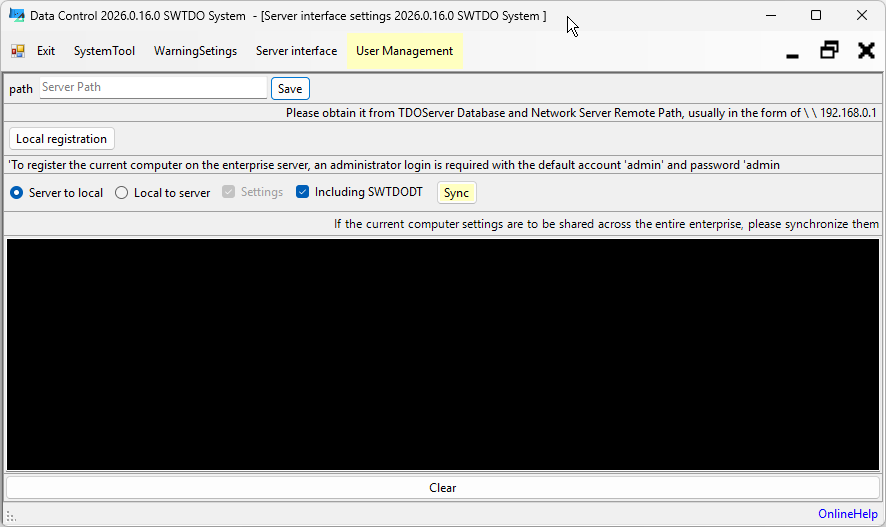
Team Module Related - Server Interface
This tool is used for client connections to the central control host. Network synchronization and sharing functionality can only be achieved if TDOServer is enabled within the local area network.
Team Module Related - User Management
This tool, like the one above, is used to control user permissions within a local area network.