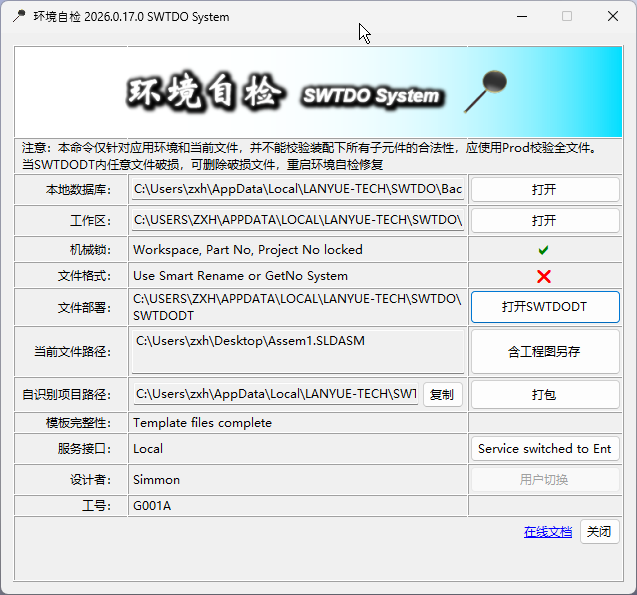
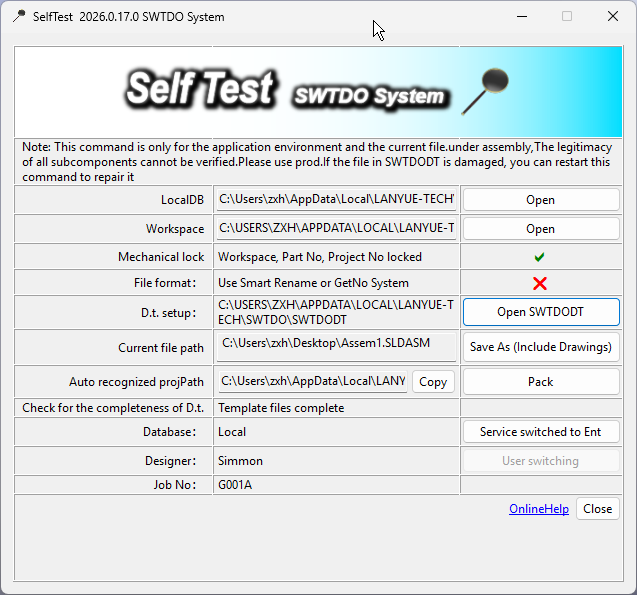
The program logic of the SW Design Library is based on the General Architecture of Drawing Management Servers. However, to reduce usage costs, we have minimized hardware requirements by eliminating separate data servers and storage servers, integrating them into the client.The client is your computer. We cannot control how you operate your computer, but we can guide you to correct your operations.Self Test is exactly this corrective guide, always informing you whether your file paths, formats, and project locations are still within the supported scope of the system architecture.
Cannot modify initialization? Mechanical Lock
After initialization, the project extension prefix and workspace will be locked.Unlock Method
In Quick Mode, on the initialization interface, press Ctrl+G
Delete the ‘Locked’ file in the installation directory
On the initialization interface, press Ctrl+G again
Why make it so troublesome?This relates to Windows permissions. Copying requires lower permissions; deletion requires higher PC permissions. Microsoft’s security settings are not just for show. Code equals an electronic lock, while the physical file equals a mechanical lock.
Template (SWTDODT) Repair
If users have customized SWTDODT template files and encounter runtime errors, please delete the erroneous files and restart Self Test.Self Test will then display the template repair tool. Use this tool to restore the templates to SWTDO defaults.