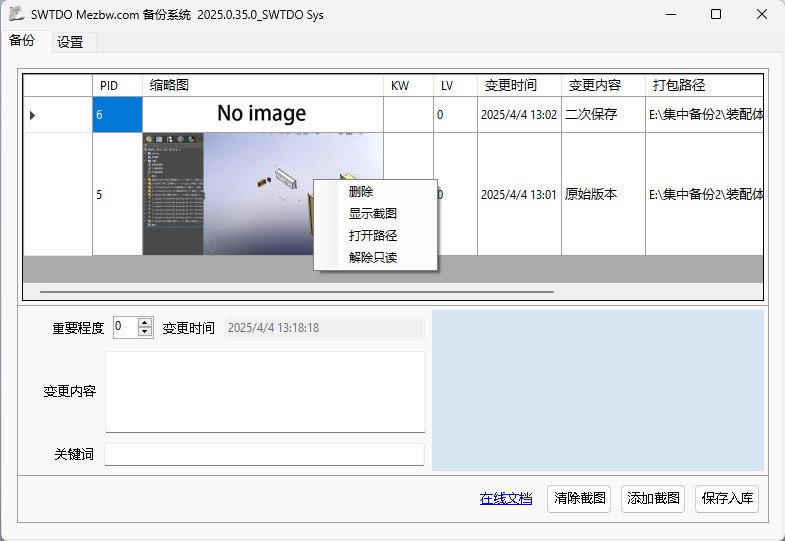
The backup system is equivalent to the ‘Pack and Go’ command, but adds descriptions, keywords, screenshots, and importance levels to clearly define the backup content.
Keyword
Keywords also determine the suffix of the backup path.
Read-Only Files
The backup system sets all files in the assembly to read-only to prevent modifications. Before reusing the backed-up files, you should right-click to disable read-only or unset the read-only attribute in Windows.
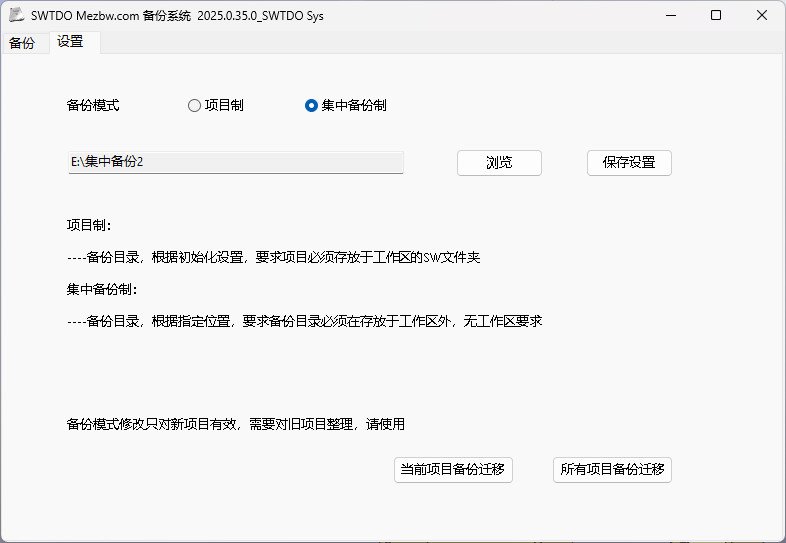
Backup Mode
Project-based Backup:
—— All backups are stored within the project directory of the workspace.
Centralized Backup:
—— All backups are stored in a specified directory outside the workspace. Advantage: No restriction on whether SW projects are located within the workspace’s SW folder.
Note: Once Centralized Backup mode is adopted and all backup projects are moved, this action is irreversible. You cannot reassign existing backups based on projects again. Changing the save mode only applies to new projects.