
bilibli
https://www.bilibili.com/video/BV1fK6MBQEvx
Basic
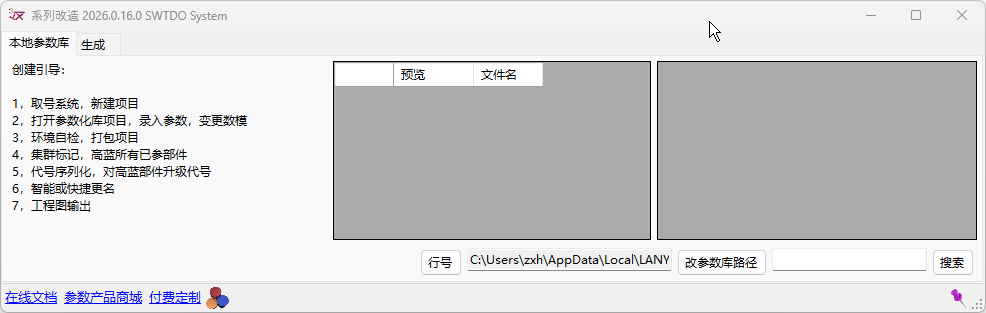
- In SWTDOEntPDM (Enterprise Edition): Serves as the generator for the interactive parametric module. Master creates → SeriesModify uses.
- In SWTDOSYSTEM (Personal Edition): Serves as the application side for the SWTDO Model Marketplace. Contact for customization → Purchase from Marketplace → SeriesModify uses.
Scenario
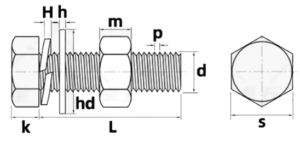
Scenario: In the video, we use a hex head bolt set including bolt, nut, spring washer, and flat washer. Controlling so many models requires 12 dimensions.
Thanks to SeriesModify, 11 of these dimensions are locked to a single specification (e.g., M4). When applied, simply adjust the specification and modify the length to get an entirely new complete product set.
SWTDO’s interactive parametric system generates a set of functional relationships for a product set, which may result in 12 variables needing input (for example). The intervention of SeriesModify condenses 11 of them into one specification. Just select the specification and change one parameter to get the finished product.
In the above process, the purpose of SeriesModify is to create “specifications.” You can adjust the primary parameters of each specification. It is a further simplification of parametric application.
Applying Marketplace Products
Prerequisite: System initialization is required. Launch SW – Tools – SWTDO System Init. The key information is your Employee ID.
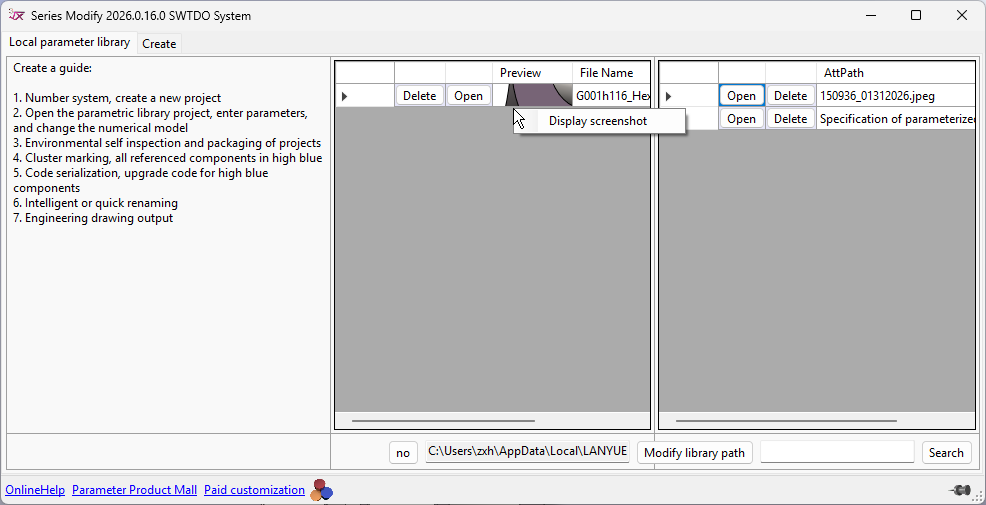
- Purchase a product from the Marketplace to get the ZIP file.
- Unzip and double-click to import into the parameter database.
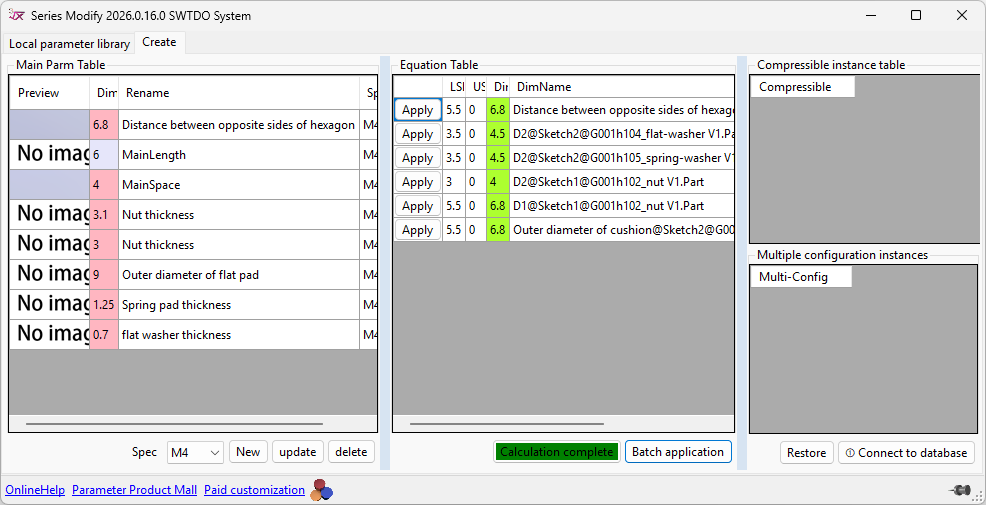
- Launch SeriesModify, and in the “Create” tab, click “Connect to Database.”
- Open your target model to see all equations.
- Create a new specification.
- Adjust dimension parameters.
- Save the specification.
Marketplace ZIP File Includes
- Model
- Drawing
- BOM Table
- Related Database
Hands-on Example (Free Download, Try It Yourself, Understand the Full Process)
Customization Examples
- You need a set of standard part models, such as a set of rivets. You want many specifications, but need to modify the length yourself.
- You need an electrical control cabinet. The only things you need to modify are length, width, and height.
- You need a cylinder. The only thing you need to modify is the stroke.
No need to purchase SWTDO’s interactive parametric system, no need to create equations for models yourself. Contact us for customization, which will significantly reduce your investment.
Apply vs. Batch Apply: Differences
Apply:
Used to test single dimension changes. Due to the following reasons, assembly error alerts may occur:
- Mate relationships
- Reference relationships
- Component constraints
Batch Apply:
The code iteratively tests the sequence of dimension application based on the dimensions. As long as the product preset is reasonable, a valid result will be achieved.


